

For Principal Accountable Persons
A solution for specific parts of the Building Safety Act 2022.
What the Building Safety Act 2022 requires
What the law now asks of you.
Resident Engagement Strategy (RES)
The PAP must prepare a strategy that promotes the participation of residents aged 16 or over, and owners of residential units, in building safety decisions. It must also set out how their views are obtained and taken into account.
Golden thread
The PAP must keep and manage building safety information, and share certain information with residents and flat owners.
PEEPs
Since 6 April 2026, Responsible Persons in taller residential buildings must make reasonable efforts to identify residents who may need help evacuating, and offer them a personalised plan.
Fire door inspections
In residential buildings over 11 metres, communal fire doors are checked quarterly, and flat entrance doors annually on a best endeavours basis. The inspector needs access to each flat, so it helps if residents know when.
Fire safety information
Residents must receive fire safety instructions and fire door information when they move in, annually, and whenever the information changes.
How we align
How our noticeboards help with each part.
Resident Engagement Strategy (RES)
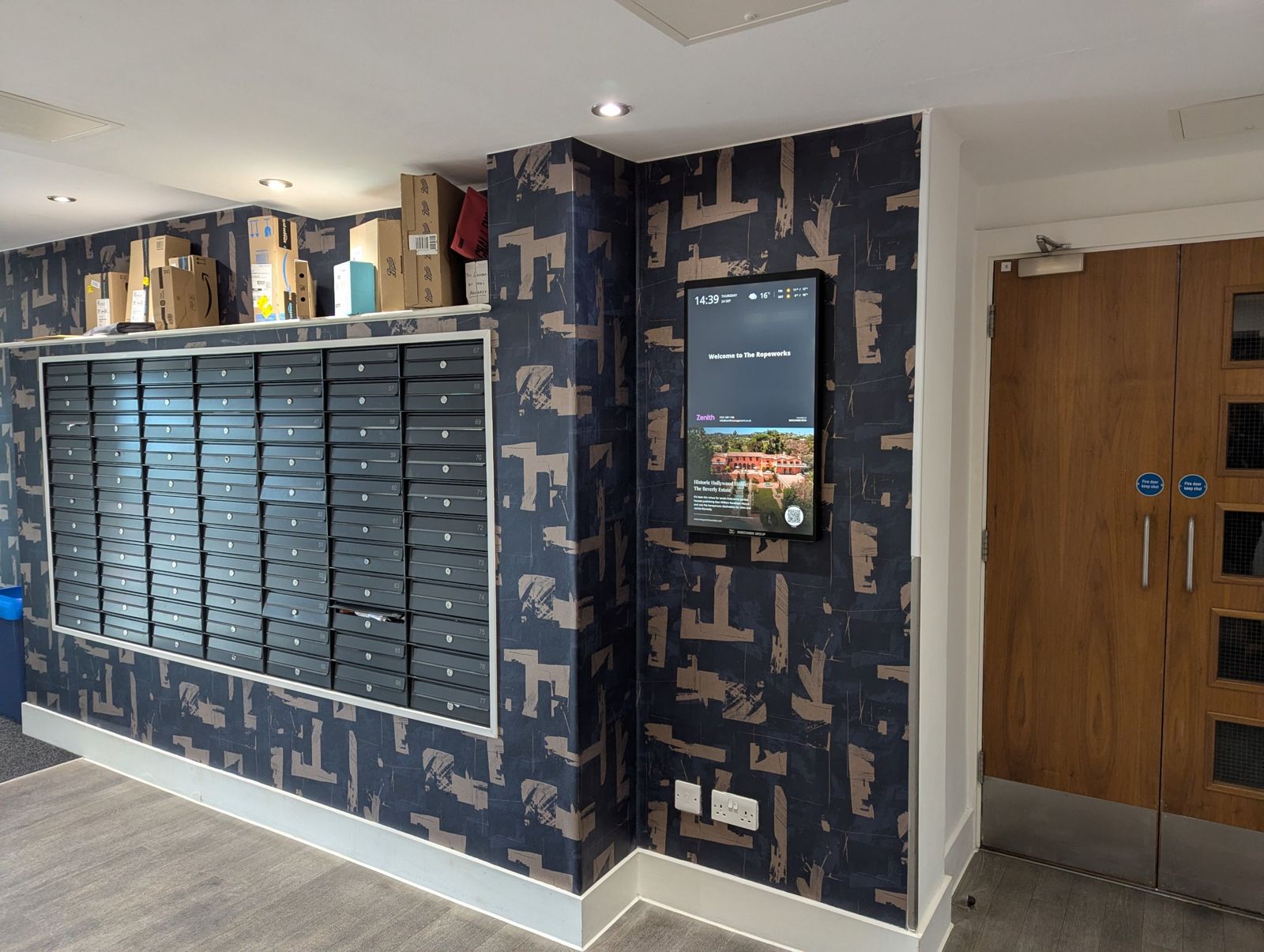
A QR code on every noticeboard gives residents a simple route to share feedback, answer surveys and respond to consultations. This supports the two way communication a strategy relies on, with responses going to the destination your team chooses.
Golden thread
Every notice is logged with its date, time, author and the noticeboards it reached. This evidences the communication with residents that sits alongside the golden thread.
PEEPs
Identifying residents who may need a plan depends on reaching everyone. The noticeboard puts the message in front of every resident, including those other channels have not yet reached.
Fire door inspections
Notices can be scheduled to go live on a set date and time, so residents know when the inspector is coming and can arrange access.
Fire safety information
Fire safety instructions and fire door information can be displayed and updated whenever they change, so residents always see the latest version.
Buildings can be grouped, so a notice goes to one noticeboard, a group or the whole portfolio from a single login.
Every notice published is automatically recorded and stored, including the date and time of publication, the author, the buildings and noticeboards it was sent to, and how long it ran for. This supports the record of communication with residents that sits alongside the golden thread, without manual effort from your team. If the Building Safety Regulator, a resident or a legal representative asks to see your communication history, we can provide it using the Affogato platform.
In practice
Where reaching every resident matters most.
Two requirements show how a message on the noticeboard supports the work your team already does.
Personal emergency evacuation plans
Responsible Persons in taller residential buildings must make reasonable efforts to identify residents who may need help evacuating, and offer them a personalised plan. Picture a resident who uses a wheelchair and has never been in touch with the building team. The team cannot offer that resident a plan until they know.
A noticeboard message invites anyone who may need help in an emergency to come forward, with a QR code linking to your team’s own form or portal. Residents and visitors see it as they pass, and scheduled reminders keep the invitation visible as plans are reviewed. Responses go straight to your team, so we hold no resident information.
Example notice
“Do you or someone you live with need help to leave the building in an emergency? Scan to arrange a personal evacuation plan with the building safety team.”
Fire door inspections
Flat entrance doors are checked annually on a best endeavours basis and communal fire doors quarterly, and the inspector needs access to each flat. Government guidance leaves it to the Responsible Person to decide how best to engage residents, and agreeing a date with them is one approach.
A scheduled notice goes live automatically in the days before the visit, with a reminder the day before and a ready made template to keep every notice consistent. Buildings can be grouped, so a whole inspection programme is communicated from one login. Every notice is logged, so your team can show what residents were told and when.
Example notice
“Fire door inspections take place in this building on Thursday 14 March between 9am and 4pm. Please make sure the inspector can access your front door.”
Both examples depend on the same thing, which is residents seeing the message.
Reaching every resident
How many of your residents are you reaching?
GDPR and data security
Built With Residents in Mind

Post and paper
Letters, leaflets and paper notices take time and money to produce and distribute, and they reach residents days after they are written. Industry observations suggest that only a small share of residents read them.
Email is quick and familiar. Lists go out of date, addresses may belong to owners who live elsewhere, and messages get missed in busy inboxes.
Portals and apps
Portals and apps are the best option available, and we are glad to work alongside them. Reach depends on residents registering and using them actively, which varies widely between buildings and providers.
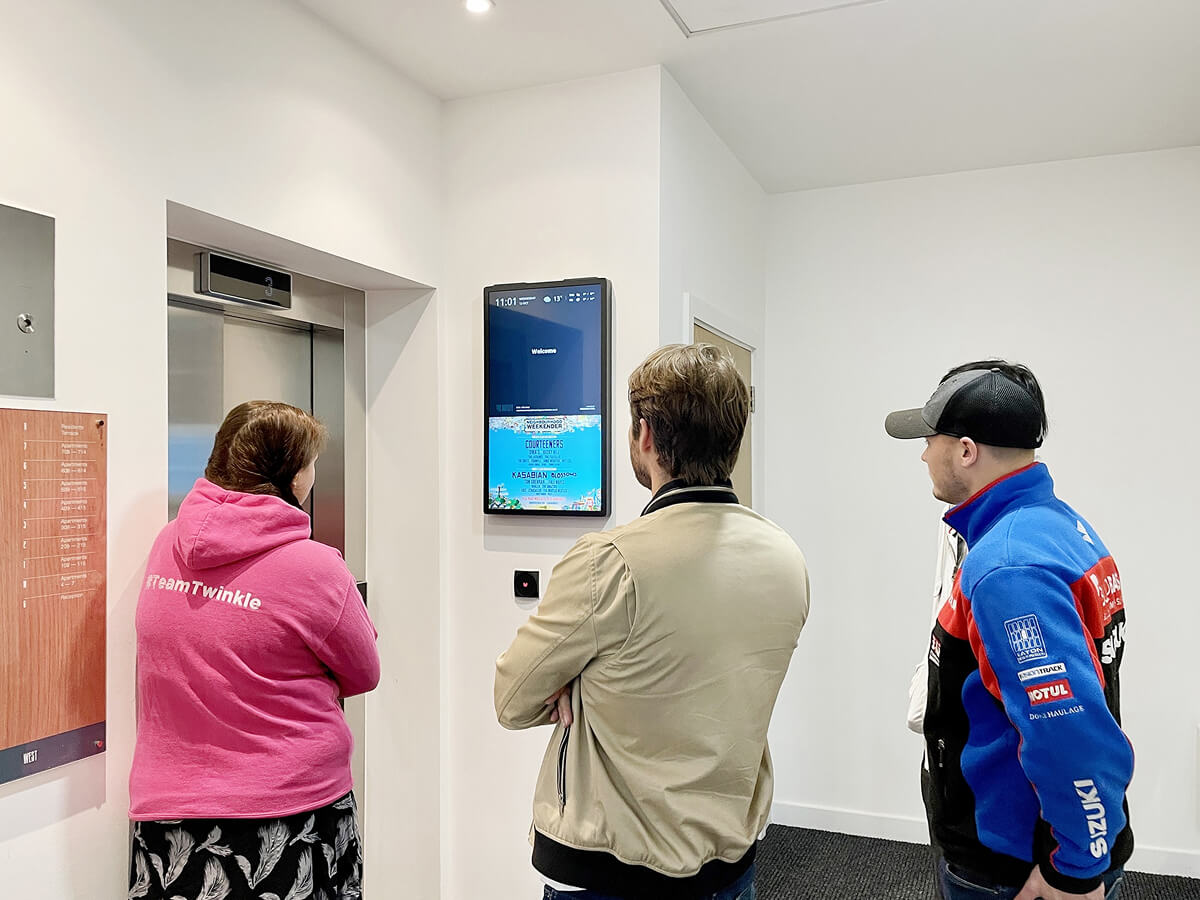
Industry observations suggest that even a team using all three channels is likely to reach only about half of its residents. Our noticeboards are the passive channel for the rest. There is no sign up, no login and no action needed, so every resident and visitor who walks past sees the information. Our noticeboards can also help residents find and use your portal, so the tools you rely on reach more of your building.
Let’s move your
properties forward
FAQ

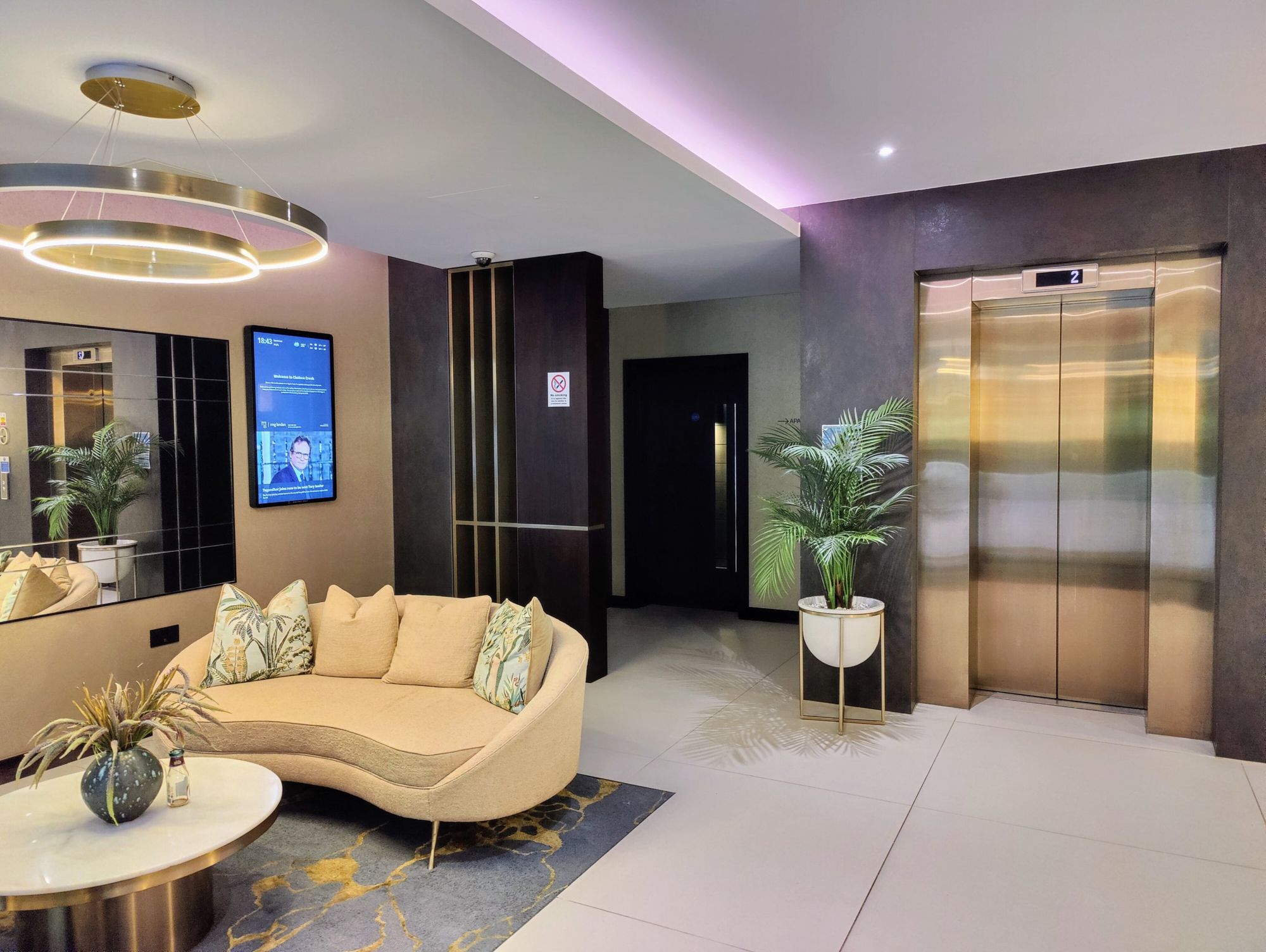
Digital noticeboards improve the speed, reliability, and effectiveness of building communication. Your managing agent chose to install one because it gives them the ability to share important information instantly, without printing notices or visiting the site.
The benefits over paper noticeboards include instant publishing from any device, scheduled and real-time content updates, consistent visibility in the highest-footfall area of the building, and a complete record of every notice sent. The screens also reduce the volume of routine calls to the managing agent, freeing up their team to focus on residents’ needs.
Beyond communication, installation demonstrates a commitment to building innovation and supports the adoption of future technology in property management, including smart building systems and Internet of Things integration.
Under Part 4 of the Building Safety Act 2022, higher-risk residential buildings in England must have a Resident Engagement Strategy that makes residents active partners in safety. The strategy requires sharing safety information, consulting residents on decisions, gathering resident views, and measuring engagement effectiveness.
Digital noticeboards directly support all of these requirements. They demonstrate active and continuous communication rather than one-off letters or annual PDFs. They allow managing agents to display building safety and fire safety updates regularly, share inspection schedules and outcomes, reinforce key safety messages over time, and provide quick access to resident surveys through QR codes.
The adoption of our product has been noted in localised Fire Brigade inspections and received recognition for enhancing resident engagement and educating residents on fire safety through clear, timely messaging.
Personal Emergency Evacuation Plan compliance relies on residents receiving, understanding, and remembering safety information. Most traditional communication channels require residents to take action, logging into a portal, opening an email, or reading a paper notice. Digital noticeboards in the lift lobby and entrance foyer are always visible and always current, requiring no action from the resident at all.
This passive communication approach is particularly valuable for residents with cognitive impairments, language barriers, hearing impairments, or anxiety around formal written communication. It provides a low-pressure, inclusive way to communicate essential safety principles to every resident, not just the most engaged ones.
From a regulatory perspective, digital noticeboards help demonstrate that communication was visible, repeated, and accessible; that reasonable efforts were made to reach all residents passively and inclusively; and that safety information did not rely on residents taking proactive steps. This aligns with the reasonable steps and proportionate measures tests applied under both the Building Safety Act and PEEP expectations.
Yes. All installations are carried out by qualified and experienced electricians with the required training, endorsements, and regulatory approvals. Each change to a circuit is issued with a Minor Works Certificate, as required by UK regulations.
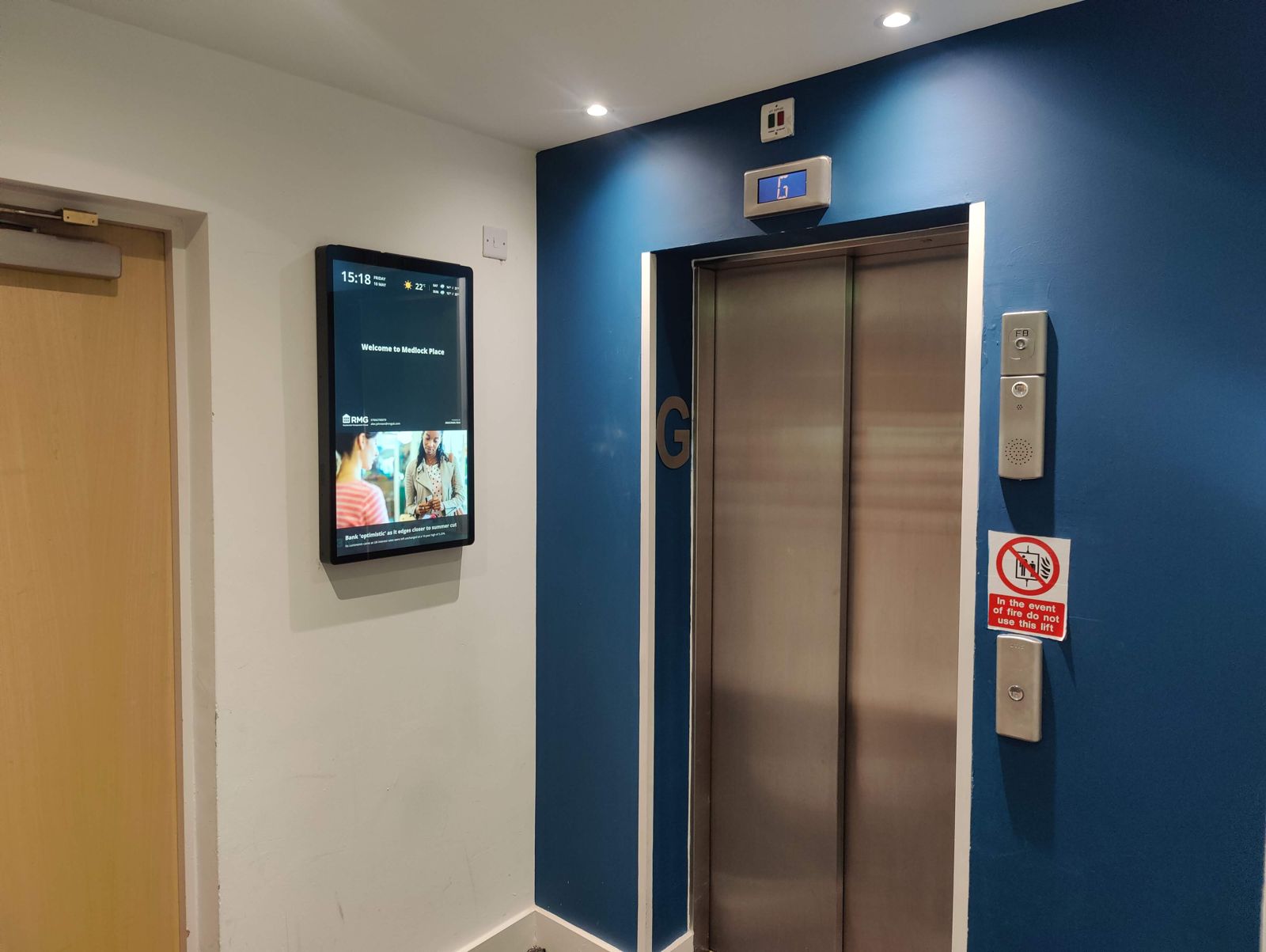
In a typical installation, one 32-inch screen is installed in the communal area of each block. The screen is rated at an average of 34 watts, resulting in a monthly consumption of approximately 24.5 kWh per screen.
Installing and running a digital noticeboard has upfront and ongoing costs, hardware, software, content management, and maintenance. A small amount of advertising helps fund the screen so it can remain operational, up to date, and free or low-cost for your building.
This model makes it financially viable for buildings to adopt modern communication technology without raising fees or charges to residents. Advertising revenue is used to support the ongoing operation of the screen, keeping it connected, compliant, and useful for the building community.
Residents never pay for the screens. The advertising model exists so the communication infrastructure in your building costs you nothing.
No. Building notices always take priority. Safety notices, building updates, and emergency information are always displayed above advertising content, with no exceptions. Advertising is time-limited, carefully scheduled, and never interrupts management communications.
Advertising is selected with the building community in mind. It is relevant to the local area and genuinely useful to the people in the building. The kind of content that typically appears includes local restaurant and takeaway offers, discount vouchers from nearby retailers, community event announcements, local service providers, and charities and public information campaigns.
30Seconds does not accept advertising for adult content, tobacco, weapons, political parties, or content promoting hatred, discrimination, or illegal activities. As of December 2025, gambling and alcohol promotions are also excluded from all residential buildings, ensuring all content is appropriate for residents of all ages.
Yes. Your property manager has full visibility of all content scheduled to run on the screen and can block entire categories of advertising or exclude specific brands or advertisers at any time. If you have a concern about specific content, contact your building management team directly.
Some of our hardware does include a camera module as part of its design. The camera is not active. No images or data are captured, recorded, stored, or transmitted. The only current purpose of the camera is as a deterrent against vandalism or tampering.
There are no plans to activate the camera in the short term. If that were ever to be considered in the future, it would only happen after clear communication and consultation with property owners and residents, a full data protection impact assessment, and strict compliance with UK GDPR, the Data Protection Act, and all other relevant laws and regulations regarding filming and recording. Residents would be informed in advance of any change.
No. The screen does not identify individual residents. There is no facial recognition and no tracking of individual behaviour. The screen does not collect personal data from residents who view it.
If you choose to use a QR code on the screen to submit feedback or access your tenant portal, any information you provide is handled in full compliance with UK GDPR. Your data is encrypted, stored securely, and used only for the purpose you submitted it for.
Yes. All technology operates in full compliance with UK GDPR and the wider data protection legislation. If the technology changes in the future to include additional features that require further compliance steps, we will ensure those also meet current UK laws and regulations before any changes are made.


CW12 4TR, United Kingdom

letschat@peppermintsoda.co.uk.